





Frequent business trips often require reliable mobile data to handle tasks away from the office. Many travelers rely on cloud tools, conference apps, document platforms, and communication suites to stay productive during tight schedules. Since hotel and airport networks vary in stability and security, eSIM data becomes a dependable option for an uninterrupted workflow. That makes estimating the right data amount an important part of trip planning.
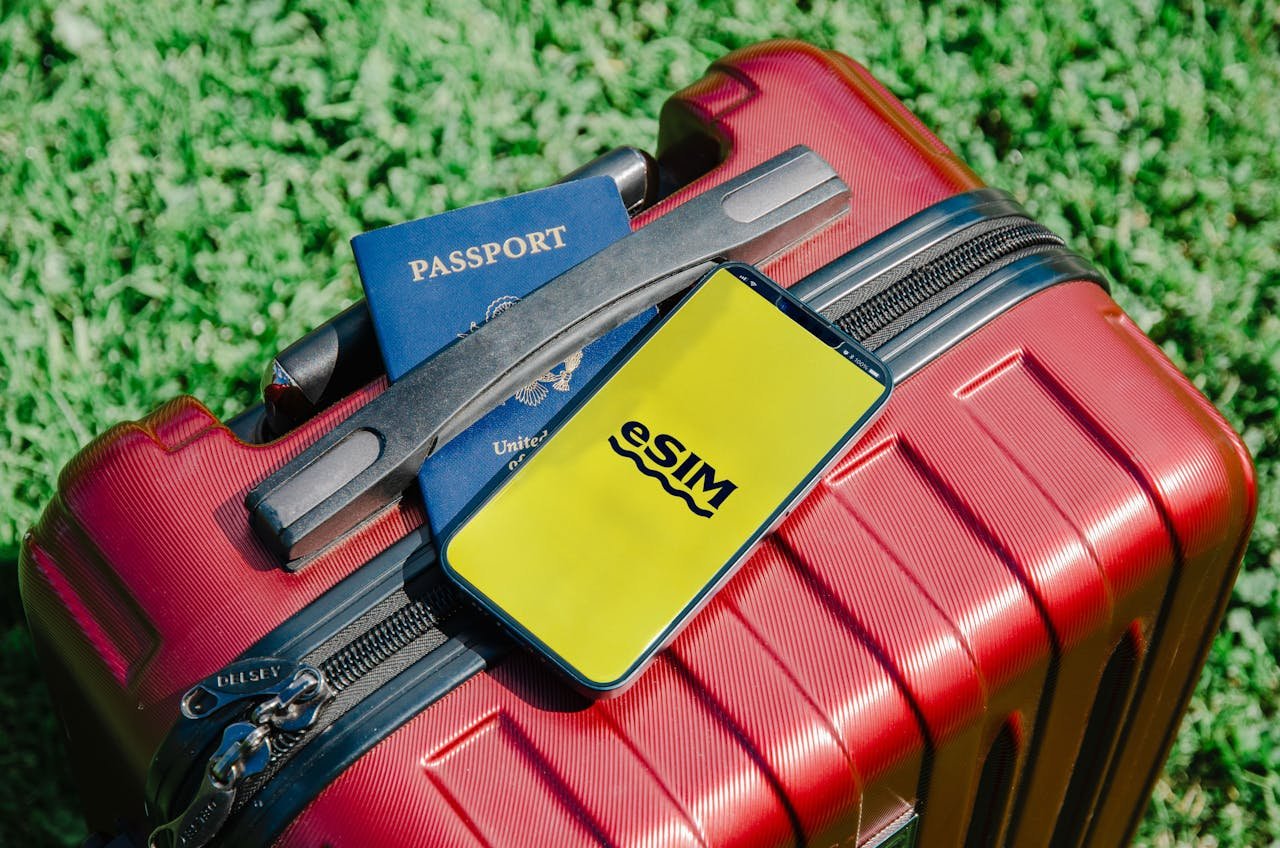
Many travelers pair their mobile setup with a travel eSIM to keep connections steady across countries. Choosing the correct data allowance helps avoid overages and ensures each workday runs smoothly on the road. This article explores how different work apps consume data and outlines a practical guide for calculating how many gigabytes a business traveler may actually need.
Productivity Tools and Their Average Data Use
Business apps vary widely in how much data they consume. Some require only small amounts for text-based tasks, while others rely heavily on cloud sync, document uploads, or multimedia. Evaluating typical usage helps determine which category aligns with personal work habits.
Document Editing and Cloud Platforms
Many professionals depend on cloud-based tools for editing or updating files. These tasks usually require minimal data unless large documents or graphics are involved. Basic text edits and spreadsheet updates consume very little. Syncing larger presentations or images increases consumption but remains manageable with moderate allowances.
Email and Calendar Apps
Email tends to use low data volumes. Even with moderate attachments, usage stays reasonable. Calendar apps are similarly light, as they only update small bits of information throughout the day.
Messaging Platforms
Work chats and team collaboration apps require steady connectivity. Text-based communication uses minimal data, though sending several images or files increases usage slightly. Video or voice messages push data consumption further, so this should be factored in for heavy users.
Data Impact of Meetings and Video Calls
Virtual meetings contribute most to data usage during business travel. They are essential for client calls, team alignment, and presentations.
How Much Data Different Call Styles Use
- Audio calls: Very low consumption. Ideal for saving data in areas with limited coverage.
- Standard video calls: Moderate consumption that depends on resolution and meeting length.
- High-resolution video calls: Can consume significant amounts of data exceptionally fast.
Tips to Reduce Data Use During Meetings
- Lower video resolution in the app settings.
- Turn off the video when visuals are not essential.
- Use audio-only mode during long meetings.
These adjustments help business travelers stretch their data without compromising productivity.
Navigation, Travel Apps, and Daily Tools
Beyond work-specific apps, several travel essentials contribute to daily usage. Maps, airline apps, hotel apps, and ride services all require data to function effectively.
Navigation Apps
Maps consume varying amounts depending on specific features. Real-time tracking, traffic layers, and satellite views increase usage. Offline maps reduce data consumption, leaving only small updates needed.
Travel and Expense Platforms
These tools generally use very little data. Scanning receipts, updating records, and checking bookings require minimal bandwidth.
Cloud Storage and File Transfers
Occasional uploads or downloads can use moderate data amounts. Large media files, such as long videos or high-resolution images, can consume several gigabytes, so timing those tasks for Wi-Fi access is beneficial.
A clear understanding of these daily tools allows more accurate planning and reduces the risk of exceeding limits on a data plan.
Estimating the Right Data Amount for Different Work Styles
The best data allowance depends on the type of traveler, trip length, and work requirements. Calculating usage based on daily habits leads to more accurate planning.
Light Usage Profile
This group prioritizes emails, messages, calendar updates, and short documents.
Typical needs: Around 3 to 5 GB for a one-week trip.
Moderate Usage Profile
This includes daily video calls, cloud document activity, and moderate navigation.
Typical needs: Around 6 to 10 GB for a one-week trip.
Heavy Usage Profile
These travelers join multiple long video calls, transfer large files, and update cloud libraries regularly.
Typical needs: 12 to 20 GB or more for a one-week trip.
Business travelers with regional itineraries often use a travel eSIM for better control over usage, as transparent dashboards and easy top-ups support flexible needs during extended trips.
How to Manage eSIM Data More Efficiently While Traveling
Even with a generous allowance, smart management protects against unexpected overages. Many tools and simple habits help maintain control.
Strategies for Smarter Data Use
- Disable background updates for nonessential apps.
- Use Wi-Fi for large downloads or system updates.
- Monitor usage through the provider’s dashboard.
- Limit auto-sync features that refresh frequently.
These small adjustments keep daily consumption predictable.
Selecting a Plan with Clear Terms
Business travelers benefit from services that provide clear information on coverage, speed limits, and top-up options. Transparent data tracking and simple activation steps reduce confusion and create a smoother experience during packed schedules.
Modern providers offer solutions designed for multitasking professionals, especially those who move across several countries in a short time span. Precise data math helps these travelers pick the right plan for maximum efficiency.
Correctly estimating data needs helps business travelers stay productive on the move. Evaluating usage across meetings, documents, navigation tools, and communication apps reveals how quickly data can add up. A reliable travel eSIM paired with smart data habits ensures smooth workflows throughout each trip. Planning ahead reduces uncertainty and supports a more efficient travel experience.
You May Also Like: Want to Travel the World? Here are Three Tips You Need to Remember